Service request

Report the fault and our technician reviews it online

Six short steps: model, problem, photos, warranty, drop-off and contact. The moment you send, your Servis No and the time of the report are recorded.
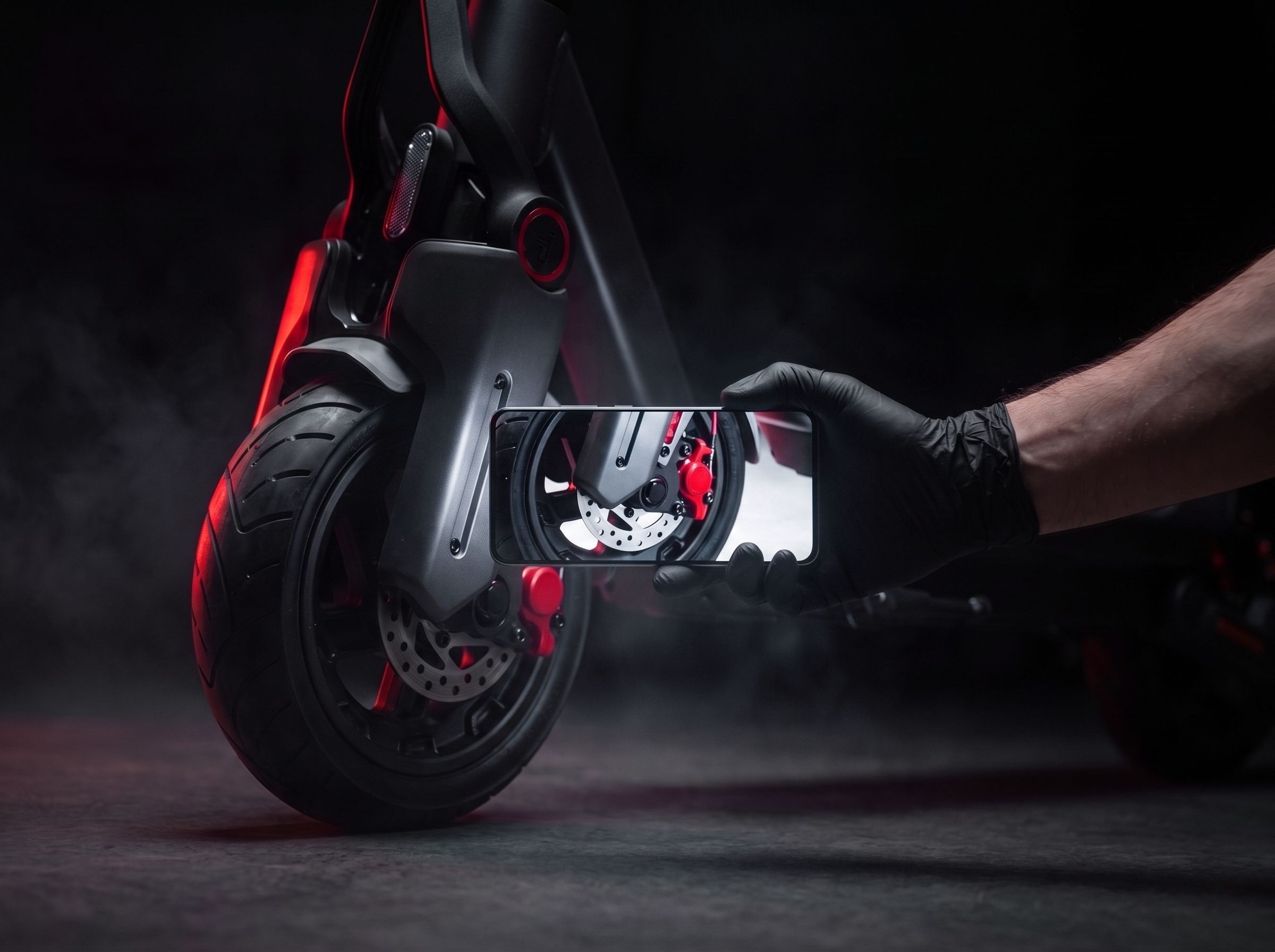
A gloved hand photographing a scooter's rear brake caliper with a phone
  • Nothing is done without your approval
  • Your Servis No and report time are recorded instantly
  • Visit the workshop or ship from any of the 81 provinces

Step 1 / 6: Which model?

Pick your scooter or Segway product. If you're not sure, choose "I don't know my model" and we'll identify it from a photo of the SN label.

Model

Other Segway products

We service the models Segway Türkiye sells. Model not listed? Ask us on WhatsApp first (opens in a new tab)

Where do I find the model name?

On most models the name is printed on the stem or next to the deck. If the scooter is paired with the Segway Mobility app (formerly Segway-Ninebot), it also appears on the scooter's info screen. The box and the invoice show it too.

Step 2 / 6: What's wrong?

Pick the symptoms; you can choose more than one. Describing it in your own words works too.

Symptoms

Tire and valve

Brakes

Lights and signals

Battery and charging

Motor, hub and bearings

Throttle, display and error code

Accident, impact or water

The number flashing on the display, e.g. 21 or E21. Look up the error code (opens in a new tab)

When did it start, what triggers it? If you didn't pick a symptom, write at least 10 characters.

Step 3 / 6: Photos and video

The technician does the pre-assessment from these. A short video of the fault (10–20 s) speeds up the diagnosis: send it on WhatsApp with your Servis No after you submit the form. This step is optional; you can also send photos on WhatsApp later.

  • The fault itself

    The problem part up close; if there is an error code, a photo of the display.

  • The SN label

    The serial number label on the scooter, sharp enough to read.

  • The whole scooter

    One photo from each side, showing the scooter's overall condition.

    No files added yet.

    Total size0 MB / 4 MB

    One submission can carry 4 MB in total, the invoice from step 4 included. Up to 5 photos. Photos are resized before sending (long edge 1600 px).

    One submission can carry 4 MB in total, the invoice included. Photos are sent without resizing, and a single phone photo can exceed that limit: add one small photo. Send the other photos and the video on WhatsApp after submitting.

    Step 4 / 6: Warranty details

    These speed up the warranty decision. Leave anything you don't know blank; we'll fill the gaps together.

    Not sure about your warranty? Take the pre-check in a few questions. Warranty Pre-check

    The date on the invoice. The warranty starts on the day the product was delivered to you.

    Photo or PDF; an e-Archive invoice is fine.

    Where did you buy it?

    Letters and digits; type it as it appears on the label.

    Where is the SN?

    The label on the scooter

    The frame carries an SN label with a barcode; its position depends on the model. You can also add a clear photo of it.

    Back to step 3: Photos

    The Segway Mobility app (formerly Segway-Ninebot)

    If the scooter is paired with the app, the SN appears on the scooter's info screen.

    Type the number from the label on the scooter here. The SN in the app must match it. Different numbers can mean a part was swapped in an earlier unauthorised repair. In that case Segway Türkiye treats the whole vehicle as out of warranty. If you're not sure, leave it blank; we check it at the service.

    Step 5 / 6: Drop-off preference

    This is only a preference; you make the final choice (bring it in or ship it) after our technician's review and decision.

    How will the scooter reach us?

    Shipping address, Aras codes and shipping steps will be shared with you on the decision page and by email after the technician's decision.

    Mail-in service guide (opens in a new tab)

    Step 6 / 6: Contact details

    We send the service decision and the next steps by email.

    A Türkiye mobile number: 10 digits without the leading 0 (5XX XXX XX XX)

    Got a number from outside Türkiye? Send your fault report on WhatsApp (opens in a new tab)

    The service decision and updates come to this address.

    Your personal data

    Your personal data is processed to create and carry out your service request. Form data and files are sent through Google Cloud (EU, Belgium) and kept in our business mailbox on Zoho (EU) infrastructure. Details and your rights: Privacy Notice (opens in a new tab).

    Nothing is done without your approval.

    Warranty Pre-check

    Check your warranty in a few questions. You can add the result to your request; what you entered and your photos stay as they are.

    1. Was the product delivered to you less than 2 years ago?
      How do I check?

      Check the date on your invoice or delivery note. If it has had a warranty repair before, the time spent in repair is added too.

      Scenario 1 · Whole vehicleThe warranty runs for at least 2 years from delivery, plus any time spent in repair. We confirm the remaining period from the records.

    2. Does the model on your invoice match your scooter?
      How do I check?

      Compare the product name or model on the invoice with your scooter’s model; an e-Archive invoice is fine. If you have no invoice, choose “I have no invoice, or I’m not sure”: not having one doesn’t count against you in this pre-check.

      Scenario 3 · Whole vehicleThe invoice identifies the product and the start of the warranty. This scenario only applies when the model on the invoice doesn’t match the scooter; not having the invoice doesn’t count against you in this pre-check. If you can’t find it, say so in your service request and we will look into it with you.

    3. Does the serial number (SN) in the Segway app match the SN on the scooter?
      How do I check?

      In the Segway Mobility app (formerly Segway-Ninebot), compare the SN on your scooter’s info screen with the SN label on the scooter. If you cannot find the label, answer "Not sure" and we will check it at the service.

      Scenario 4 · Whole vehicleDifferent numbers can mean a part was swapped in an earlier unauthorised repair. In that case Segway Türkiye treats the whole vehicle as out of warranty.

    4. Where did you buy the scooter?

      Scenario 5 · Whole vehicleProducts made for sale outside Türkiye fall outside Segway Türkiye’s warranty; if you bought such a unit from a seller in Türkiye, the seller’s legal liability still stands. Having bought from another seller in Türkiye or second hand doesn’t count against you in this pre-check.

    5. Did the fault start after an extraordinary event such as a flood, earthquake, fire or lightning?

      Scenario 2 · Whole vehicleDamage caused by force majeure is one of Segway Türkiye’s out-of-warranty scenarios and applies to the whole vehicle.

    6. Before the fault, did the scooter fall, take a knock, get wet inside or get a puncture?

      Scenario 6 · Per partThis question is only for the pre-check. Human-caused damage is judged part by part: only the affected part may fall outside the warranty. The decision comes after the technical inspection, in a written report.

    Your browser needs JavaScript to show the result. You can still read the questions and go straight to a service request.