E Series
Segway E3 service and repair
With a front drum brake, brake service covers cable adjustment and a drum check. The battery is rated IPX7, the body IPX5.

Specs that matter for service
- Tyres
- 10-inch tubeless
- Tyre type
- Tubeless
- Brakes
- Front drum + rear electronic brake
- Water resistance
- IPX5 (body) · IPX7 (battery)
- Range (approx.)
- 45 km
- Weight (approx.)
- 17.5 kg
- Factory top speed
- 25 km/h
An electronic (regenerative) brake has no wear parts; faults are found with an electronic test.
Values come from Segway Türkiye's product page; range and weight are approximate.
Error codes
On the Max G3, GT3, F3 and E3 a warning shows as a number on the dashboard and the details appear in the Segway app. We don't publish these tables until they are verified against Segway Türkiye's service documentation. Read the code in the app and send it to us.
Service work for the Segway E3
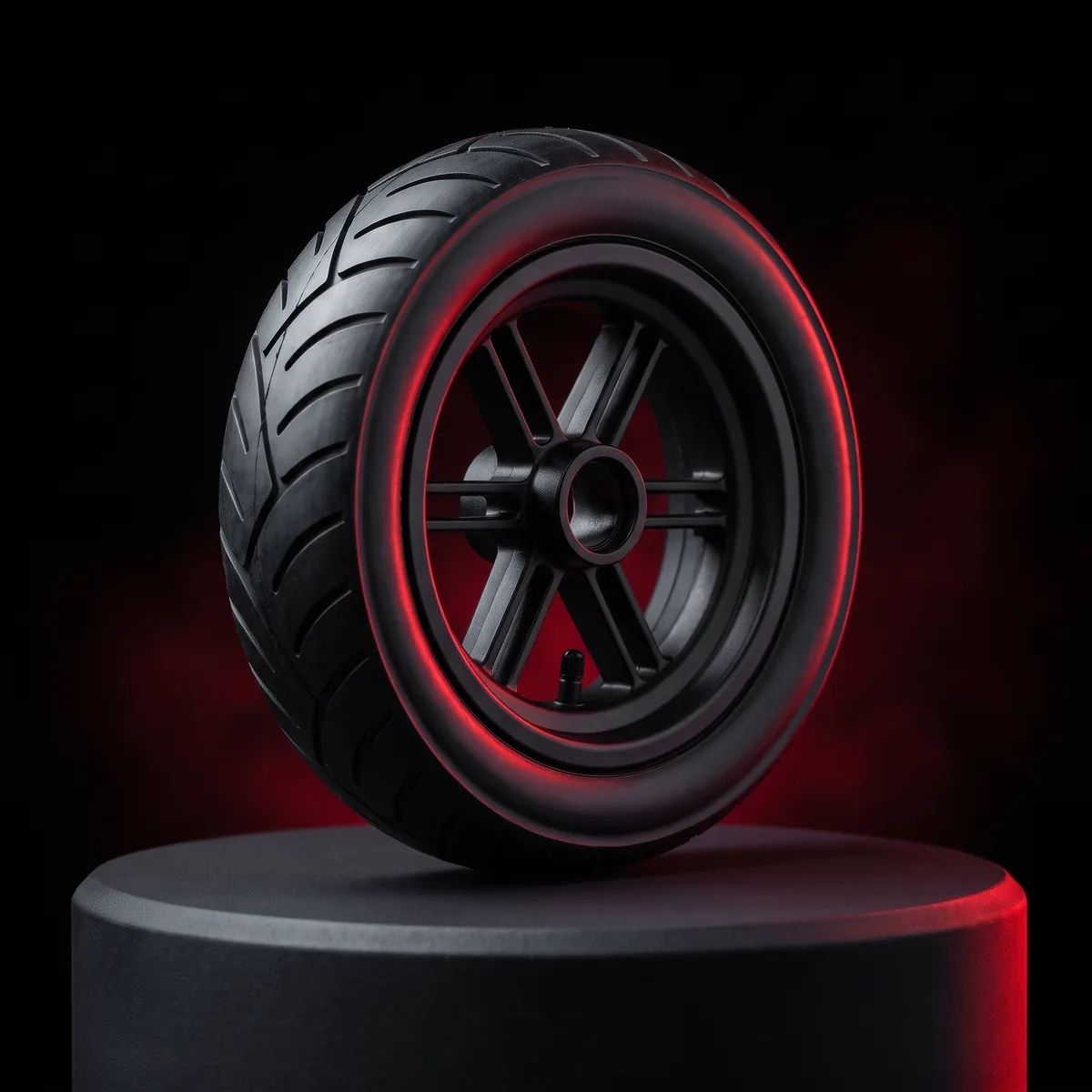
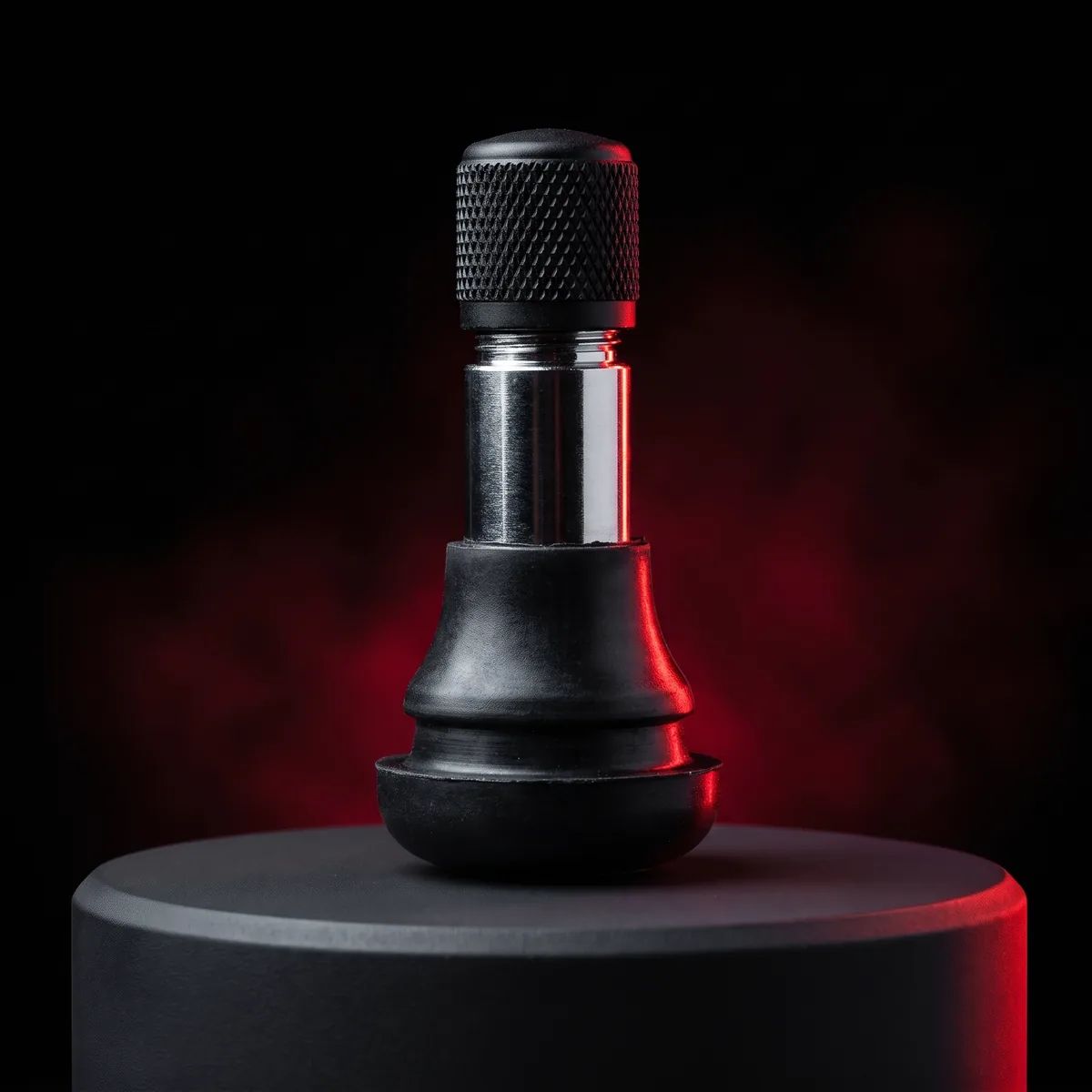
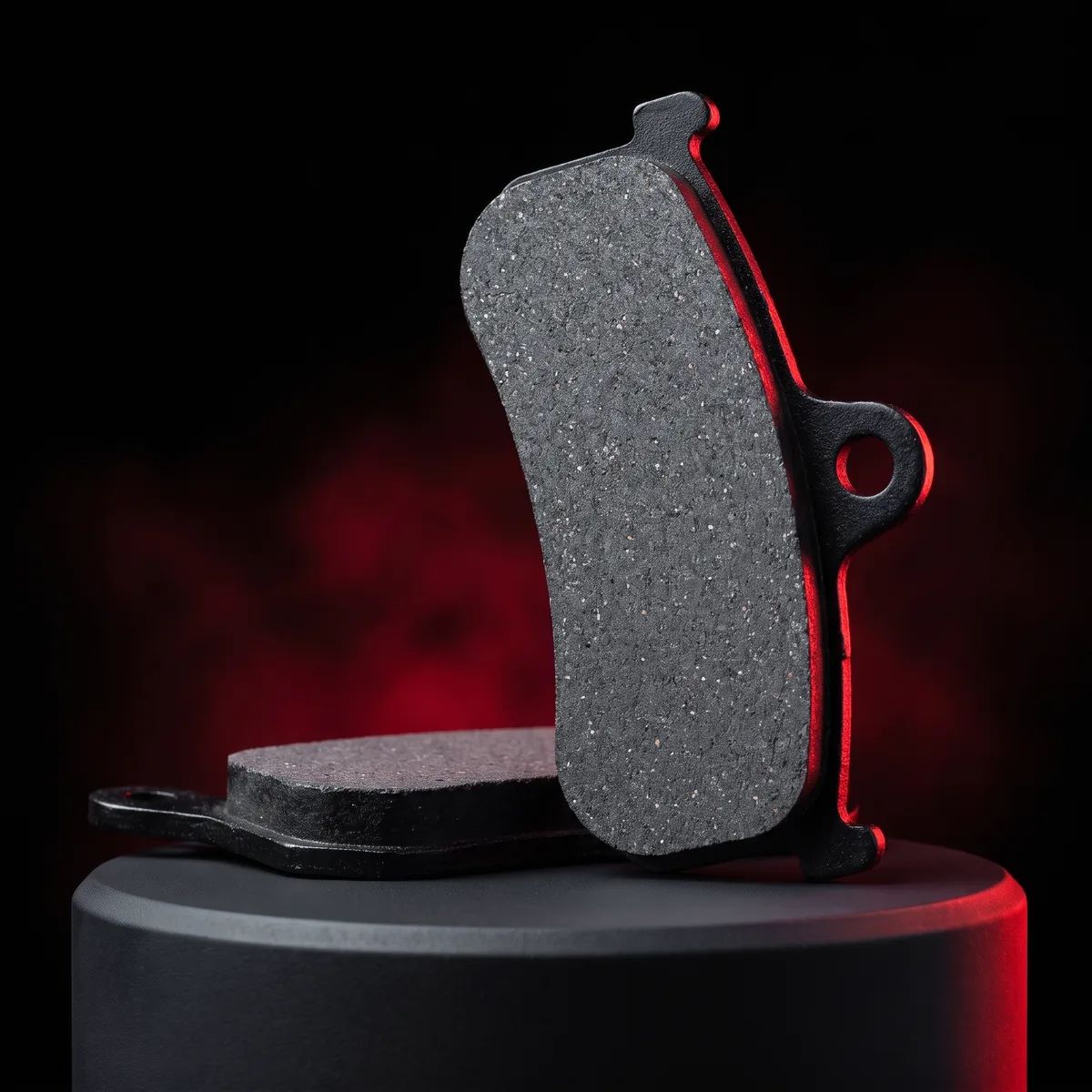
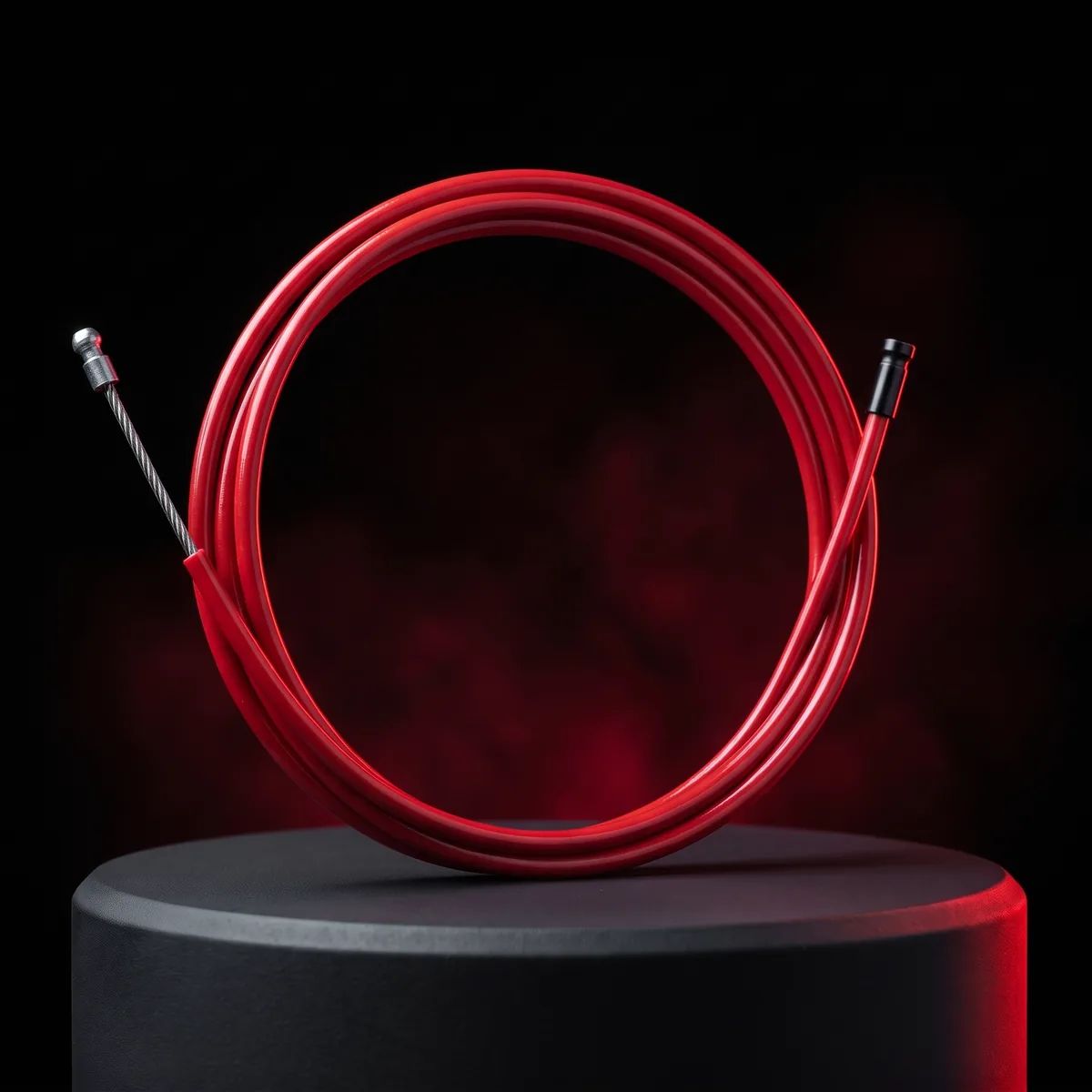
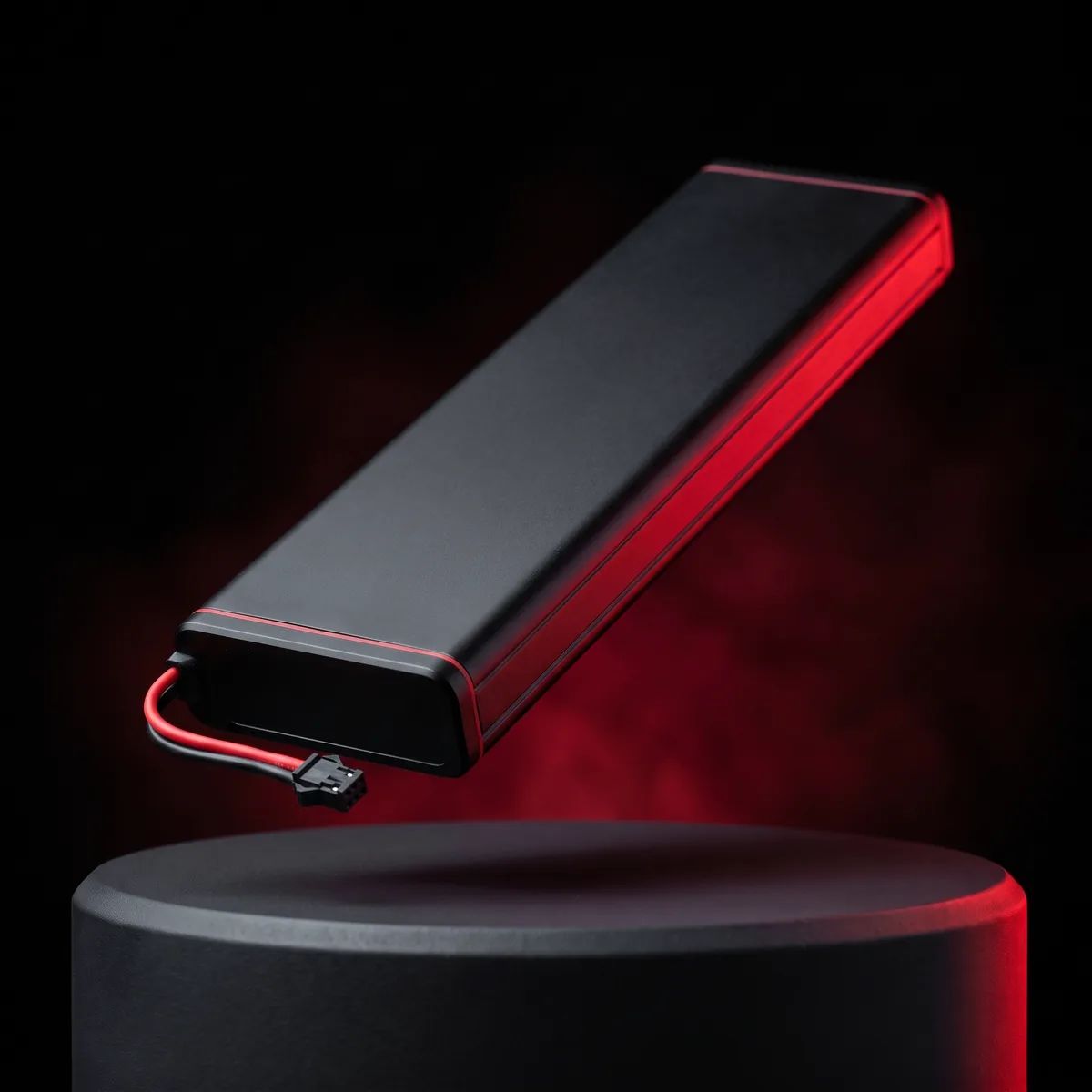
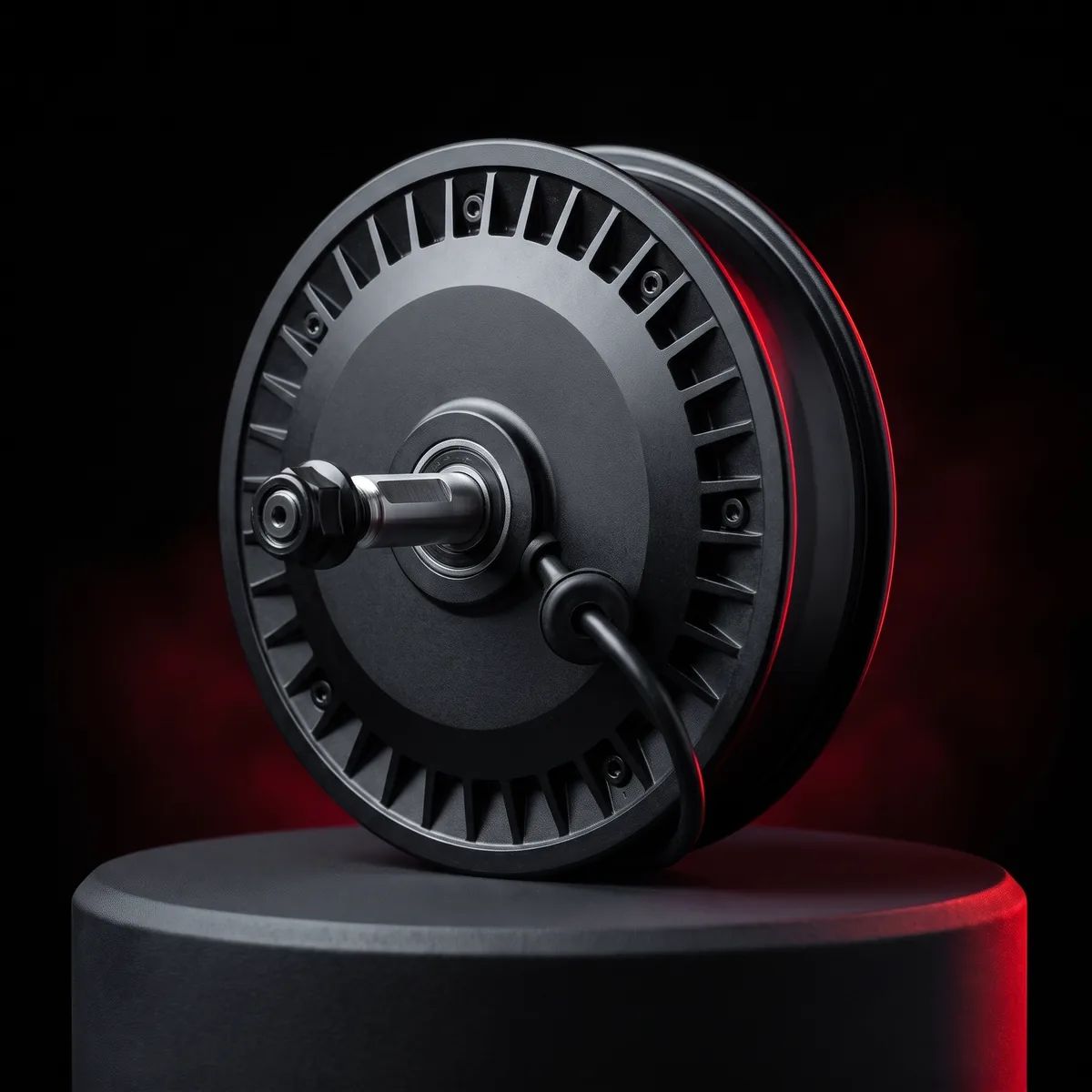
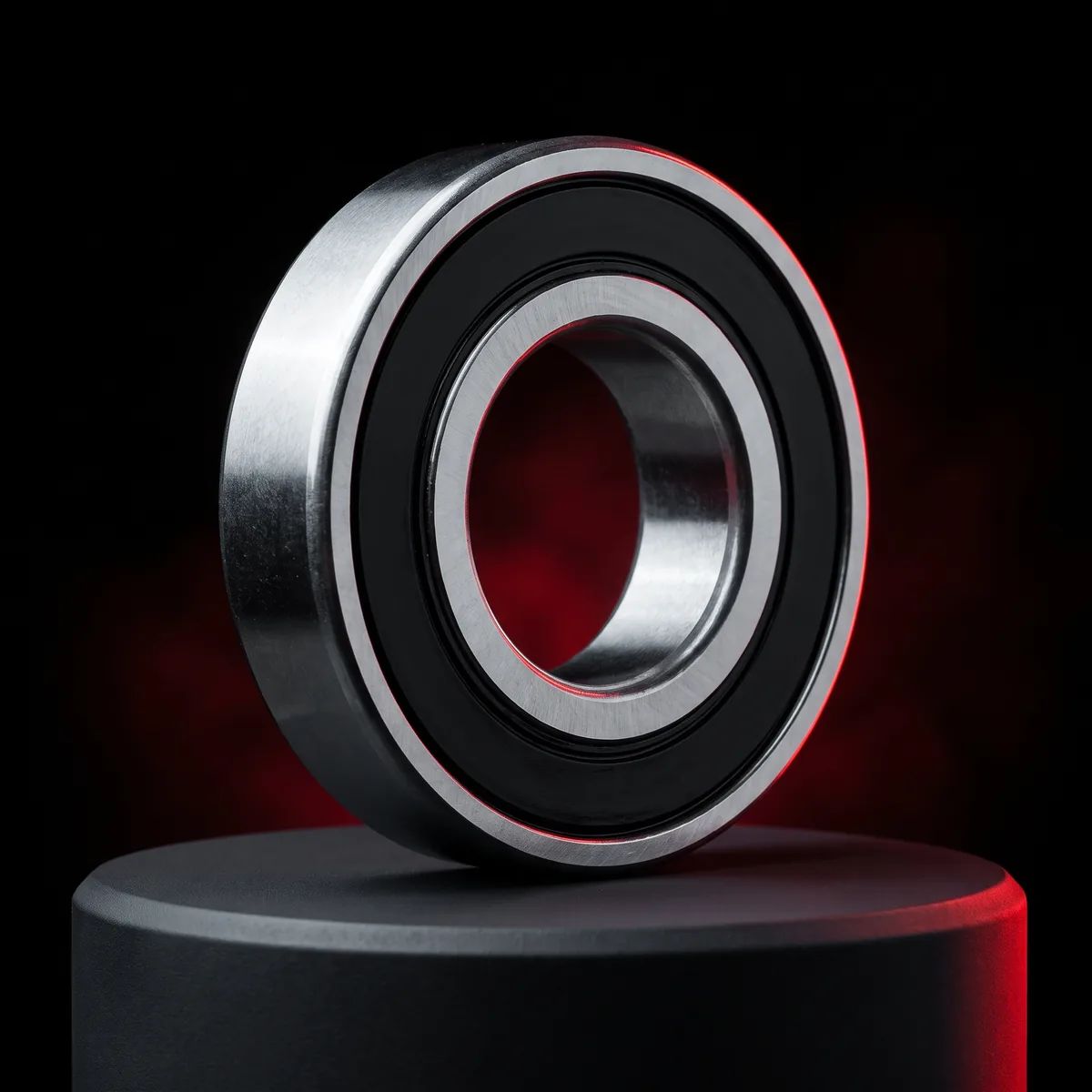
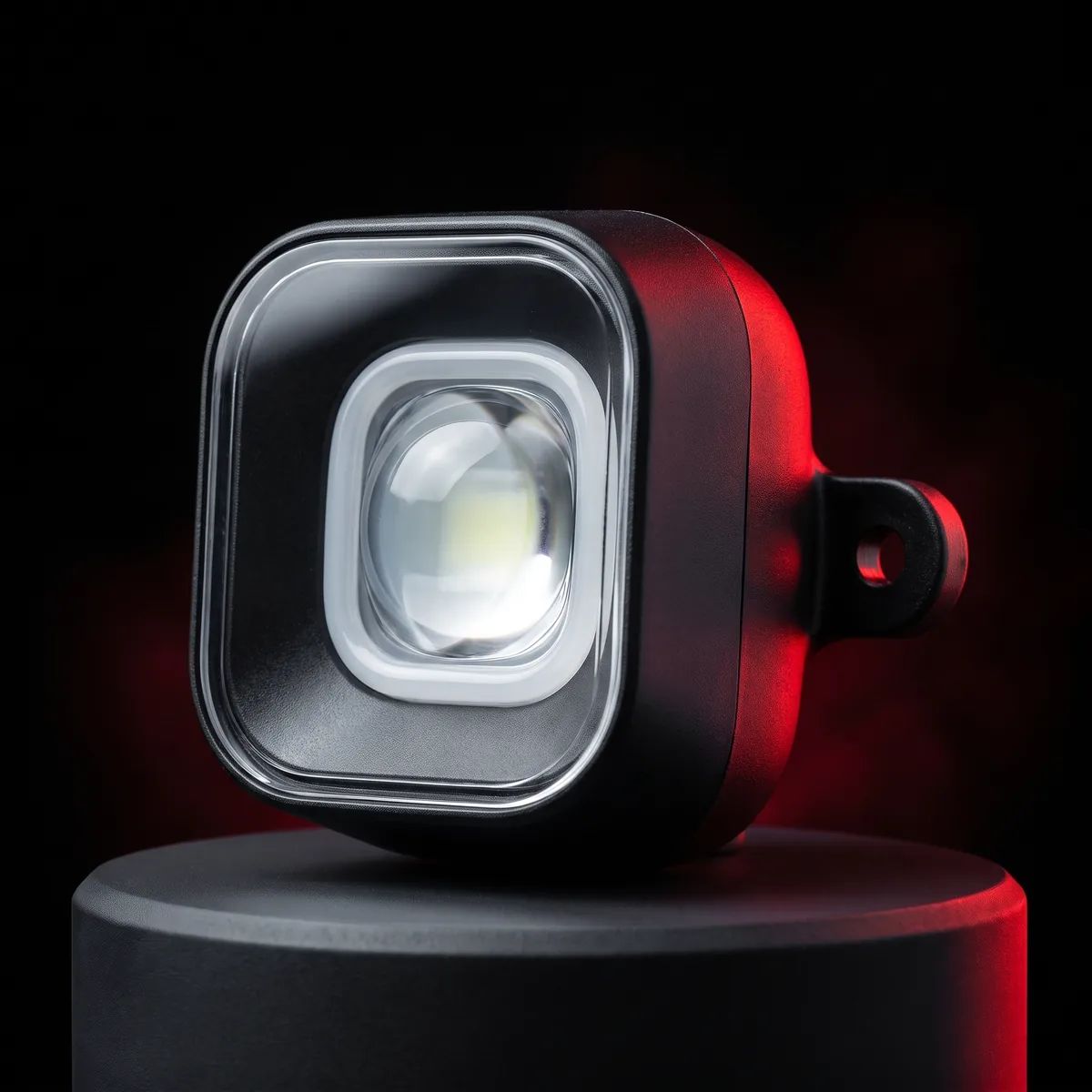
The parts that stand out for this model's tyres and brakes. Each part page lists symptoms and a warranty note.
Where is the serial number (SN)?
The warranty check compares two numbers: the label on the scooter and the SN shown in the Segway app. They should match.
On the scooter
The SN is printed on the barcode label on the scooter. Where the label sits depends on the model; the product diagram in your user manual shows it. Add a clear photo of the label to your service request.
In the Segway app
Connect the scooter to the Segway app and note the SN on the scooter's info screen, or take a screenshot.
You can check your SN and activation date with the Serial Number Verification tool on Segway Türkiye's service portal. If the numbers differ, say so in your service request and we'll look at the scooter's history with you.
Segway Türkiye's service portalAnything else about this model?
Your questions
Answers are AI-generated from the service information on this site and are for information only; they are not a warranty decision. The final assessment follows a technician’s inspection.
Preparing an answer…
AI answer · for information only, not a warranty decision.