Ninebot classic family · Error code
Segway error code 54: Controller over-current
Send a photo of the display and your model on WhatsApp; a technician replies with what the code means for your scooter. We repair in Türkiye: at our Avcılar workshop or by cargo from all 81 provinces. Or open a service request
What does this code mean?
The controller detected over-current (overload). Exceeding the maximum load or long, steep climbs are typical causes.
Which models show it?
Models that show two-digit codes, such as the Max G2, the E series (E2, E2 Pro), the F2 series and the ZT3 Pro; not verified for the Max G3, GT3, F3 and E3.
If you ride a Max G3, GT3, F3 or E3, the meanings on this page may not apply to your model: on those models a warning shows as a number on the dashboard and the details appear in the Segway app. How serious the code is may differ on your model too: don't ride, even if the code clears. Read the code in the app and put it in your service request; our technician will assess it.
Safe checks you can do yourself
- Let the scooter rest for a while.
- Switch the scooter off, wait 10 seconds and switch it on again; if the code stays, note it down.
- If the code has gone and you carry on, stay within the maximum load in the manual and go easy on long, steep climbs.
If the code hasn't gone, or comes back, stop using the scooter and open a service request.
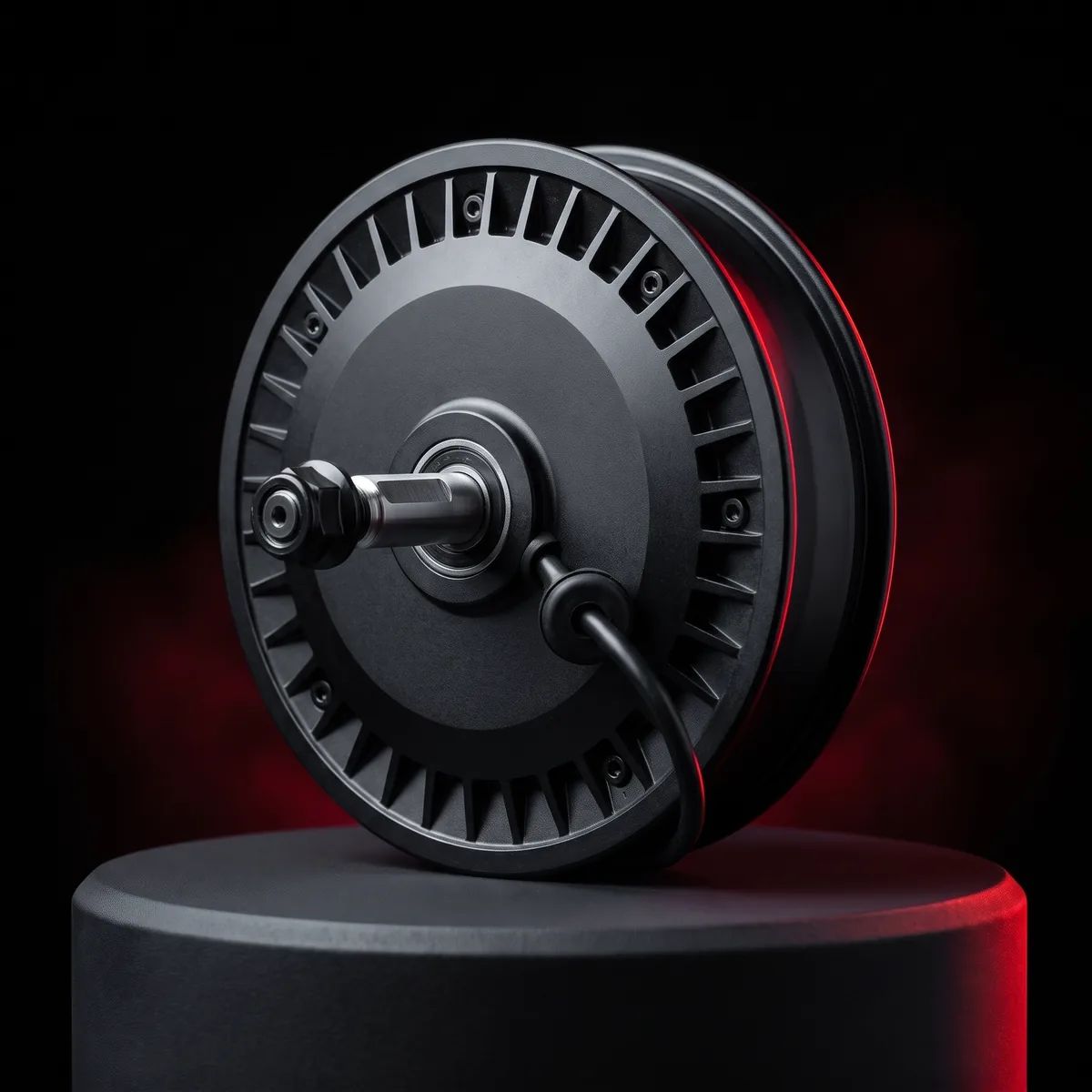
Parts it may involve
Anything else about this error code?
Your questions
With each new question, the assistant takes only your previous question into account; older questions and the answers aren’t sent to it.
Answers are AI-generated from the service information on this site and are for information only; they are not a warranty decision. The final assessment follows a technician’s inspection. Questions are recorded anonymously to improve the site; please don’t include personal details such as your name or phone number.
Preparing an answer…
AI answer · for information only, not a warranty decision.